Digital divide & internet access in schools: what to do now
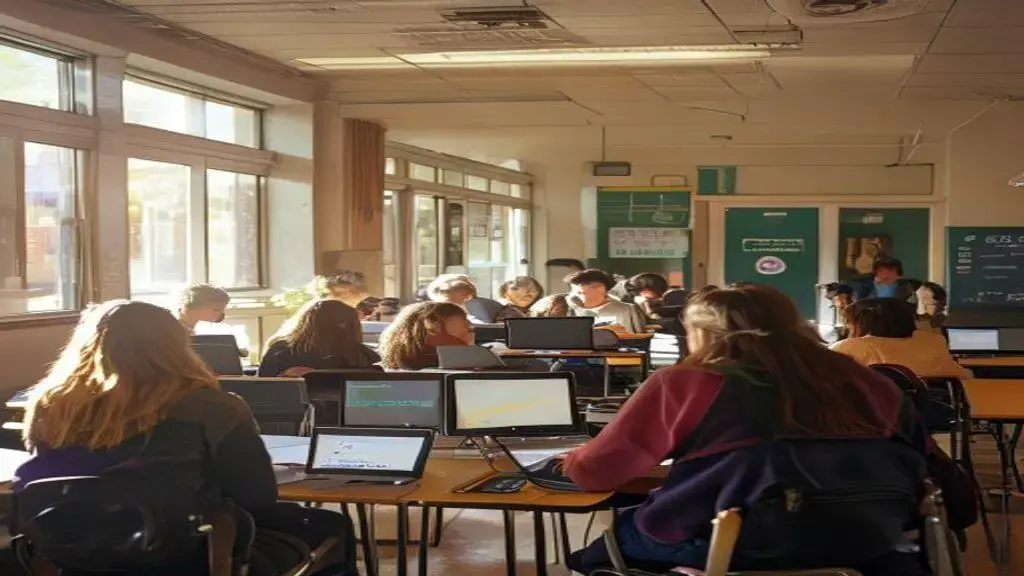
DIGITAL DIVIDE & INTERNET ACCESS IN SCHOOLS describes unequal access to reliable broadband, devices, and digital skills; addressing it requires targeted data-driven audits, low-cost device and hotspot programs, community partnerships, and policy-backed funding to ensure all students can participate in learning.
DIGITAL DIVIDE & INTERNET ACCESS IN SCHOOLS affects more than just homework — it can shape opportunities and learning. Have you seen kids unable to join lessons because of poor connections? Here we explore practical, realistic moves districts and communities can try.
how big is the gap: data on access and impact
DIGITAL DIVIDE & INTERNET ACCESS IN SCHOOLS shows up in simple ways: some students join lessons easily, others lose time to slow or missing connections.
Looking at the data helps schools decide where to act first.
What the numbers track
Researchers and districts focus on a few clear measures to map the gap. These metrics show where help is most needed.
- Home broadband: percent of students with reliable internet at home.
- Device access: whether students have a ready laptop or tablet.
- Connection speed: upload and download capacity for video lessons.
- Usage patterns: how often students can complete online assignments.
Data like this is collected from surveys, school logs, and internet providers. Local numbers matter more than national averages, because gaps vary by neighborhood and school.
Who is most affected
Not every student faces the same hurdles. Some groups show higher risk of falling behind.
- Students in rural or remote areas with weak infrastructure.
- Low-income families that cannot afford broadband or extra devices.
- Homes with many students sharing one device.
- Learners who rely on mobile-only connections with limited data.
These patterns link directly to missed work, lower participation in live lessons, and less practice with digital tools. Teachers often spend class time re-teaching content instead of moving forward.
Simple school-level audits can reveal the issue fast: short surveys for families, Wi‑Fi speed tests on campus, and logs of students who miss online assignments. Combining these sources creates a clear map for action.
How to read and use the data
Good data points to practical steps. Start small, with actions that help the most students quickly.
- Prioritize hotspots or loaner devices for students with no home access.
- Track which classes need offline alternatives for homework.
- Work with local ISPs to find discount plans or community Wi‑Fi sites.
Use charts and simple maps to show leaders where to invest. Keep updates short and regular so changes are visible and plans can adapt.
In short, clear measures of the digital divide let schools target efforts where they will help students most. Data guides fair, efficient action and helps close gaps that block learning.
main barriers: infrastructure, cost and digital skills
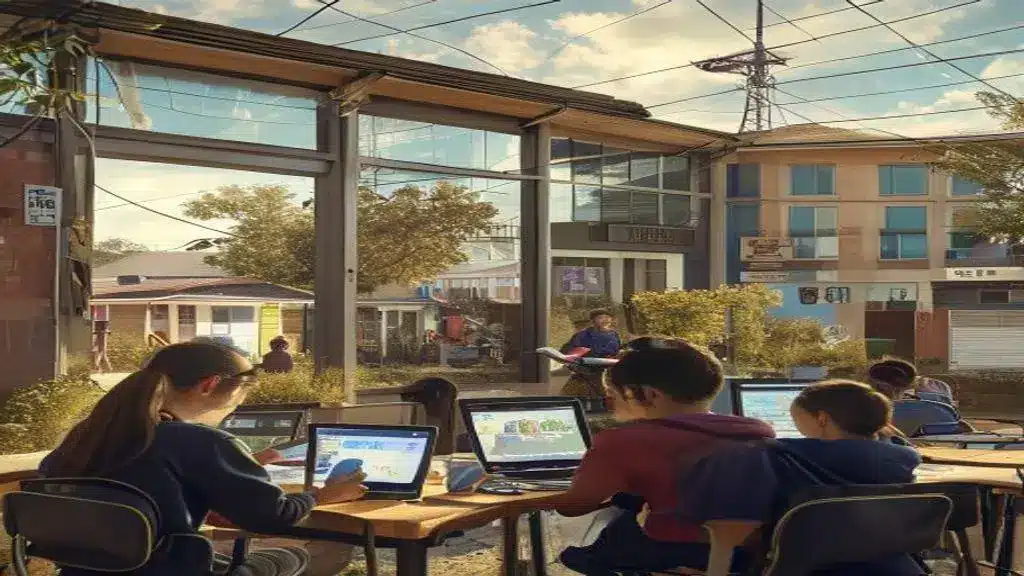
DIGITAL DIVIDE & INTERNET ACCESS IN SCHOOLS often traces back to three clear barriers: weak infrastructure, high cost, and limited digital skills. These issues block access and lower learning chances.
Below we break each barrier down and offer practical steps schools and communities can start using right away.
Infrastructure challenges
Many areas lack reliable broadband or cell coverage. Schools in rural zones or older buildings face slow or spotty networks that disrupt lessons.
- Outdated wiring and no fiber to the neighborhood.
- Limited cell towers or congested local networks.
- School Wi‑Fi that cannot handle many devices at once.
Infrastructure problems mean video calls drop, resources load slowly, and teachers must plan offline alternatives. Fixing physical connections takes time and investment.
Short-term fixes can still help while larger upgrades proceed.
Cost barriers and who feels them most
Even where networks exist, price keeps families offline. Monthly broadband, data caps, and device costs add up.
Low-income households, large families sharing one device, and students relying on prepaid mobile plans often lose access when funds run out. That affects homework, study habits, and class participation.
Schools can map who lacks access and target help to the students who need it most.
Bridging the digital skills gap
Having a connection and device is one step; knowing how to use digital tools is another. Many students and caregivers need basic skills to benefit from online learning.
- Teacher training on classroom tech and remote teaching techniques.
- Student modules on using browsers, cloud storage, and safe online habits.
- Parent workshops or quick guides for supporting homework online.
- Peer mentoring programs where tech-savvy students help classmates.
Teaching practical skills raises confidence and cuts the time teachers spend on tech troubleshooting. Small, regular lessons work better than long one-off sessions.
Combine approaches for best results: push for infrastructure upgrades, offer subsidized or loaner devices, and run ongoing digital skills training. Track progress with simple checks—surveys, assignment logs, and short speed tests.
Digital divide solutions are most effective when they match local needs and include families, schools, and internet providers. A mix of short-term help and long-term investment narrows gaps and keeps students connected to learning.
what schools can do now: low-cost and immediate steps
DIGITAL DIVIDE & INTERNET ACCESS IN SCHOOLS can feel overwhelming, but many steps schools can take are low-cost and fast to start. Small moves often help the most students right away.
Below are practical, affordable actions staff and partners can implement this week or month to boost access and participation.
Quick needs check
Start by asking students and families one simple question: who lacks reliable internet or a device? Short surveys work best.
- Use a one-page form sent by email, text, or paper.
- Record which grades and neighborhoods report gaps.
- Note device type and data limits (mobile vs. broadband).
Collecting this basic data points schools to where help will have the biggest impact.
Device and hotspot programs
Loaner devices and portable Wi‑Fi hotspots are among the fastest fixes. They require modest upfront cost and clear checkout rules.
- Set up a device loan policy with simple sign-out and return steps.
- Buy bulk-refurbished laptops or tablets to cut cost.
- Distribute mobile hotspots to families without home broadband.
Pair devices with basic how-to guides so students can start using them immediately.
Another low-cost move is scheduled device access: keep the library or computer lab open after school with a staff or volunteer monitor. That gives students a reliable place to work without internet at home.
For homework that must work offline, provide printable packets or USB drives with materials. Make sure tasks match what students can do without constant connectivity.
Improve on-campus connectivity cheaply
Small upgrades often boost performance for many devices. Test current Wi‑Fi load and add low-cost routers or signal extenders where needed.
- Run a basic speed test at peak class times to spot slow spots.
- Reposition routers and remove physical obstructions.
- Use scheduling to limit streaming and prioritize essential traffic.
These tweaks can reduce classroom interruptions while larger funding is sought.
Train a few staff members to handle common tech fixes. When teachers do not lose class time to troubleshooting, learning continues smoothly.
Finally, partner with local libraries, businesses, and ISPs for temporary solutions: community Wi‑Fi spots, discounted plans, or sponsored hotspots. These collaborations often come with little or no cost to the school.
Overall, combining quick audits, device loans, modest Wi‑Fi fixes, and community partnerships creates immediate relief. Focus first on students with the least access, track changes, and scale what works.
policy and community solutions for lasting connectivity
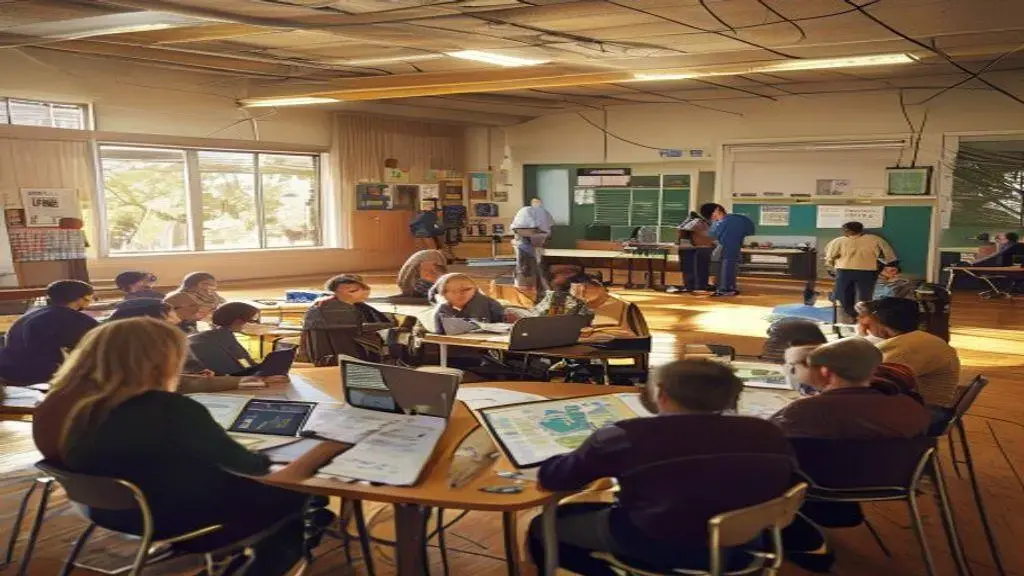
DIGITAL DIVIDE & INTERNET ACCESS IN SCHOOLS cannot be solved by one group alone; it needs policy change and local action that last. Simple, steady steps build reliable access for students.
This section shows practical policy moves and community-led solutions that create lasting connectivity.
policy moves that create long-term access
Local and national policies set the stage for affordable, reliable service. Clear rules and targeted funds make change possible.
- Direct funding for school broadband upgrades and maintenance.
- Subsidy programs that lower household monthly costs.
- Procurement rules that let districts buy bulk internet and devices at lower prices.
- Support for municipal or cooperative broadband where private markets fail.
Policies should include simple accountability: regular reporting on speeds, coverage, and who still lacks access. That data keeps efforts focused and fair.
how communities can partner with schools
Communities multiply impact when libraries, businesses, nonprofits, and ISPs work with districts. Small local steps add up fast.
- Library and community center Wi‑Fi hubs open evenings and weekends.
- Local businesses offering sponsored Wi‑Fi or device drop-off points.
- Nonprofits running device refurbishment and loan programs.
- ISPs creating discounted education plans and technical support.
These partnerships are low-cost and can launch quickly. They also build trust and keep families connected while larger projects move forward.
Volunteer programs and paid “digital navigators” help families sign up for plans, set up devices, and learn safe online habits. That hands-on help increases use and reduces frustration.
funding strategies and sustainability
Long-term access needs steady funding and shared responsibility. Mix public funds, grants, and local matching dollars.
- Use short-term grants to seed programs, then shift to sustainable budgets.
- Create public–private matching funds to scale successful pilots.
- Include maintenance and upgrades in annual planning, not just initial builds.
- Track usage and outcomes to justify ongoing investment.
Transparent budgets and clear outcome measures help sustain trust and funding over time.
Combining smart policy, active community partners, and stable funding narrows the digital divide and keeps students connected. Practical action today, paired with policy for tomorrow, creates lasting connectivity for schools and families.
Combining clear data, quick low-cost fixes, ongoing digital skills training, strong community ties, and policy-backed funding creates real, lasting progress on the DIGITAL DIVIDE & INTERNET ACCESS IN SCHOOLS. Start small, measure results, and scale what works to keep every student connected.
FAQ – Digital divide & internet access in schools
What causes the digital divide in schools?
The main causes are weak local infrastructure, high household costs for broadband and devices, and limited digital skills among students and caregivers.
What quick steps can schools take to help students now?
Run short surveys, lend devices or hotspots, open after-school labs, and provide simple tech training and how-to guides.
How can families support home access on a tight budget?
Seek discounted plans, use library or community Wi‑Fi, borrow school loaner devices, and ask teachers for offline homework options.
Where can schools find funding for long-term solutions?
Mix district funds, grants, public–private partnerships, and state or federal programs that support school broadband and device purchases.