Smart Home Security: Protecting Your Privacy from IoT Devices
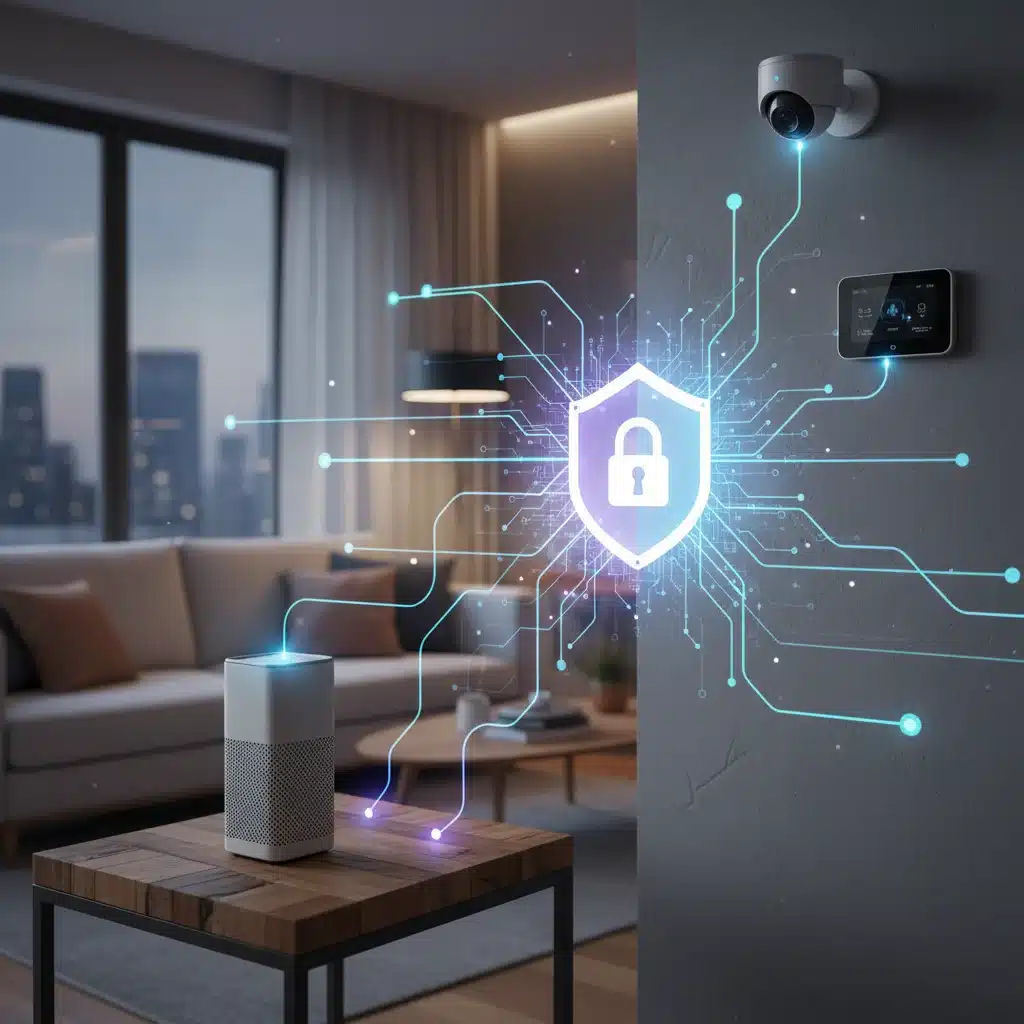
In the digital age, our homes are becoming increasingly intelligent, equipped with a myriad of Internet of Things (IoT) devices designed to simplify our lives. From smart speakers that play our favorite tunes to security cameras that keep an eye on our property, these devices offer unparalleled convenience. However, this convenience often comes with a hidden cost: potential vulnerabilities to our privacy and security. The question on many US households’ minds is: Are your smart devices spying? This comprehensive guide delves into the crucial topic of smart device security, offering practical solutions to protect your privacy across 8 common IoT devices.
The proliferation of smart technology has transformed the way we live, but it has also introduced new challenges. Every time we connect a new gadget to our home network, we’re potentially opening a door to our personal data. Understanding these risks and knowing how to mitigate them is no longer optional; it’s a necessity. This article aims to empower you with the knowledge and actionable steps required to fortify your smart home against potential threats, ensuring your smart devices work for you, not against you.
Understanding the Landscape of Smart Device Security Risks
Before we dive into specific devices, it’s essential to grasp the broader context of smart device security risks. IoT devices, by their very nature, are designed to collect and transmit data. This data can range from your voice commands and viewing habits to your location and even your health metrics. While much of this data is used to enhance device functionality and user experience, it also becomes a target for malicious actors.
Data Collection and Privacy Concerns
Many smart devices collect vast amounts of data, often more than users realise. This data can be used for targeted advertising, sold to third parties, or, in the worst-case scenario, intercepted by cybercriminals. The terms and conditions we hastily agree to often grant companies broad permissions to collect and utilise our data, making it imperative for us to be proactive in managing our privacy settings.
Vulnerability to Cyberattacks
IoT devices are often less secure than traditional computers or smartphones. They may lack robust security features, receive infrequent software updates, and sometimes come with default, easily guessable passwords. These vulnerabilities make them attractive targets for hackers who can exploit them to gain access to your network, steal personal information, or even launch distributed denial-of-service (DDoS) attacks using your devices.
Physical Security Risks
Beyond digital threats, some smart devices, particularly those with cameras or microphones, pose physical security risks. If compromised, a smart camera could allow an intruder to monitor your home, or a smart lock could be remotely unlocked. The implications for personal safety and property security are significant.
General Best Practices for Smart Device Security
Before we get to device-specific advice, let’s establish a foundation of general best practices applicable to all your smart devices. Implementing these steps will significantly bolster your overall smart device security posture.
1. Strong, Unique Passwords Are Non-Negotiable
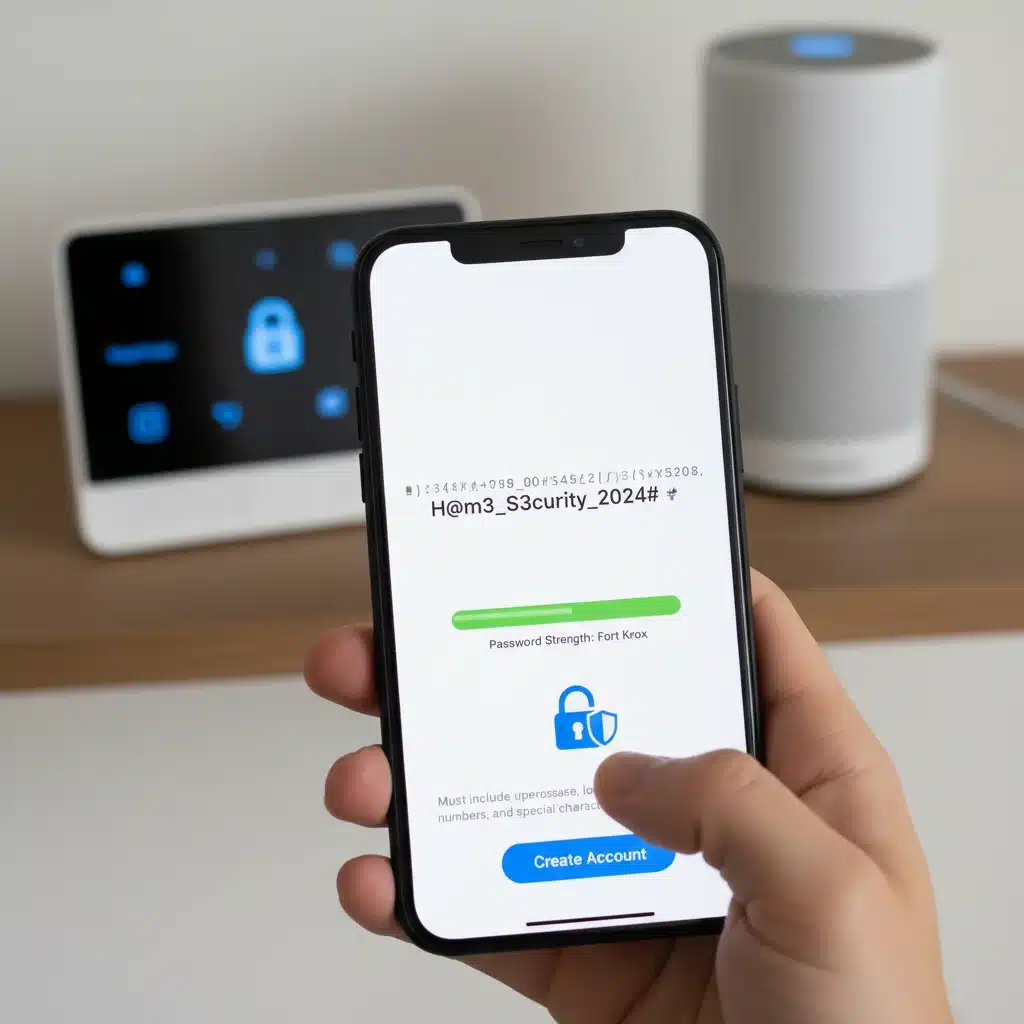
This cannot be stressed enough. The default passwords that come with many IoT devices are notoriously weak and often publicly known. Change them immediately to strong, unique passwords that combine uppercase and lowercase letters, numbers, and symbols. Ideally, use a password manager to generate and store these complex credentials. Reusing passwords across multiple devices is a significant risk, as a breach on one service can compromise all others.
A strong password is your first line of defense. Think of it as the lock on your front door. A flimsy lock is easily picked, while a robust one deters most casual attempts. The same principle applies to your digital security. Regularly updating these passwords, perhaps every 90 days, adds an extra layer of protection.
2. Enable Two-Factor Authentication (2FA)
Wherever available, enable two-factor authentication (2FA) for your smart device accounts. 2FA adds an extra layer of security by requiring a second form of verification, such as a code sent to your phone, in addition to your password. Even if a hacker manages to steal your password, they won’t be able to access your account without this second factor.
3. Keep Software and Firmware Updated
Manufacturers frequently release software and firmware updates that include critical security patches. Ignoring these updates leaves your devices vulnerable to known exploits. Configure your devices to update automatically whenever possible, or make it a habit to check for updates manually on a regular basis. This is a crucial aspect of maintaining robust smart device security.
4. Review Privacy Settings Regularly
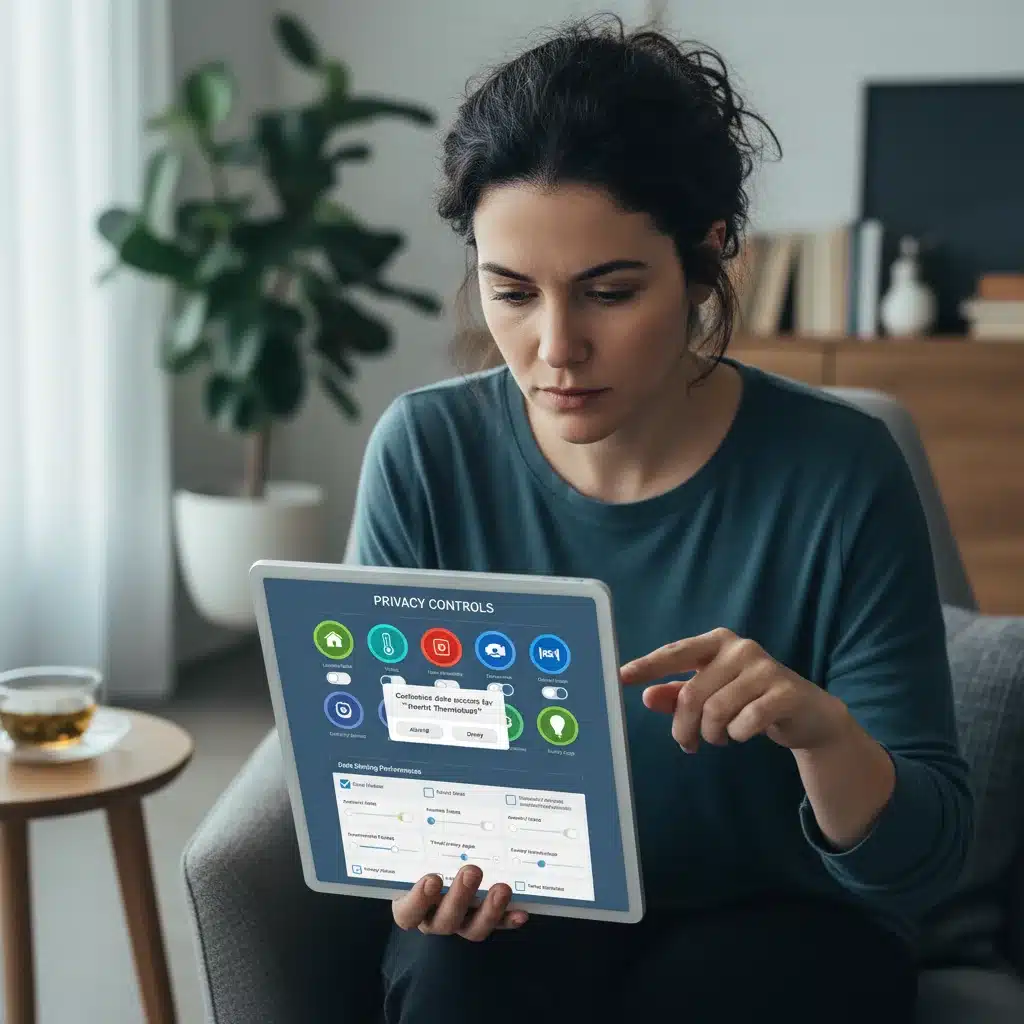
Most smart devices come with default privacy settings that are often not as restrictive as they could be. Take the time to delve into each device’s settings and customise them to your comfort level. Limit data collection, disable unnecessary features that might transmit data, and understand what information your device is sharing and with whom. This proactive approach ensures your data is handled according to your preferences.
5. Use a Dedicated IoT Network (VLAN)
For advanced users, creating a separate Wi-Fi network (a VLAN or Virtual Local Area Network) specifically for your IoT devices can significantly enhance security. This isolates your smart devices from your main network where your computers and sensitive data reside. If an IoT device is compromised, the attacker will have a harder time accessing your other devices.
6. Be Mindful of What You Share
Think before you connect. Consider the necessity of connecting every single appliance to the internet. If a device doesn’t truly benefit from internet connectivity, perhaps it’s better to keep it offline. Also, be cautious about sharing information or allowing access to your devices from external sources unless absolutely necessary.
Securing 8 Common Smart Devices in Your US Household
Now, let’s get specific. Here’s how to enhance the smart device security of 8 common IoT devices found in US households.
1. Smart Speakers (e.g., Amazon Echo, Google Home)
Smart speakers are perhaps the most ubiquitous IoT devices, always listening for your commands. While convenient, this ‘always-on’ functionality raises privacy concerns.
- Review Voice History: Regularly check and delete your voice recording history through the associated app or web portal. Both Amazon and Google allow you to do this.
- Disable Voice Purchasing: If you don’t use it, disable voice purchasing to prevent accidental or unauthorised orders.
- Mute Microphone: Use the physical mute button on your smart speaker when you don’t want it actively listening. This is a simple yet effective privacy control.
- Understand Data Usage: Familiarise yourself with the privacy policies of these devices to understand how your voice data is collected and used.
2. Smart Security Cameras (e.g., Ring, Arlo, Nest Cam)
These devices are designed for security but can become a vulnerability if not properly secured.
- Strong Passwords & 2FA: Absolutely critical for these devices. A compromised camera is a direct window into your home.
- Limited Access: Only grant access to trusted individuals. If you share access, ensure they also use strong passwords and 2FA.
- Secure Wi-Fi: Ensure your home Wi-Fi network is secured with a strong password and WPA2/WPA3 encryption.
- Placement Awareness: Be mindful of where you place cameras. Avoid pointing them at sensitive areas or into neighbours’ properties without consent.
- Regular Firmware Updates: Keep the camera’s firmware updated to patch any known security vulnerabilities.
3. Smart Thermostats (e.g., Nest, Ecobee)
Smart thermostats learn your habits to optimise energy usage, but this data can reveal your daily routines.
- Review Data Sharing: Check the app’s privacy settings to understand what data is collected and whether it’s shared with third parties. Limit sharing where possible.
- Strong Account Security: Protect your thermostat’s account with a strong password and 2FA.
- Location Data: Be aware of how your thermostat uses location data (e.g., geofencing) and disable it if you’re uncomfortable.
4. Smart Lights and Plugs (e.g., Philips Hue, TP-Link Kasa)
While seemingly innocuous, these devices can still be part of a larger security risk if not secured.
- Dedicated Hubs: If your smart lights use a dedicated hub (like Philips Hue Bridge), ensure the hub itself is updated and secured.
- Network Segmentation: If possible, place these devices on a separate IoT network to isolate them from more sensitive devices.
- App Permissions: Review the permissions requested by the associated apps. Only grant essential permissions.
5. Smart Door Locks (e.g., August, Yale Assure)
Smart locks offer convenience but demand the highest level of security due to their direct link to your home’s physical security.
- Unbreakable Passwords & 2FA: This is paramount. Your smart lock’s account is as important as your physical key.
- Access Logs: Regularly review access logs to monitor who has entered and exited your home.
- Temporary Access: Use temporary access codes for guests or service providers and revoke them immediately after use.
- Physical Security: Ensure the lock itself is physically robust and professionally installed.
- Bluetooth Security: If your lock uses Bluetooth, ensure your smartphone’s Bluetooth is secured and not discoverable when not in use.
6. Smart Televisions (Smart TVs)
Modern Smart TVs are powerful computers that can track your viewing habits and even listen to voice commands.
- Disable ACR (Automatic Content Recognition): Many smart TVs use ACR to collect data on what you watch. Find this setting in your TV’s privacy menu and disable it.
- Review App Permissions: Just like on your phone, review permissions for apps installed on your smart TV.
- Disconnect Microphones: If your TV has a built-in microphone for voice commands, consider disabling it if you don’t use it, or only enable it when needed.
- Regular Updates: Keep your TV’s operating system updated to receive security patches.
7. Robot Vacuums (e.g., Roomba, Roborock)
These devices map your home and can potentially transmit this highly personal data.
- Map Data Control: Check your vacuum’s app settings for options to control or delete the maps of your home. Understand how this data is used.
- Strong Wi-Fi Security: Ensure your home network is secure, as the vacuum connects to it.
- App Privacy: Review the privacy policy of the vacuum’s app and restrict data sharing if possible.
8. Smart Appliances (Refrigerators, Ovens, Washing Machines)
While less common, smart appliances are becoming more prevalent and can also pose security risks.
- Question Necessity: Ask yourself if you truly need your refrigerator to be connected to the internet. If not, don’t connect it.
- Manufacturer Updates: These devices often receive fewer updates than other smart gadgets. Ensure you’re installing any available firmware updates.
- Review App Permissions: Be cautious about the data these apps collect and the permissions they request.
Advanced Smart Device Security Measures for the Proactive User
For those who want to go beyond the basics, here are some advanced measures to further enhance your smart device security.
Network Monitoring
Consider using network monitoring tools or a firewall that can log and analyse traffic from your IoT devices. This can help you identify unusual activity, such as devices attempting to communicate with unknown servers or sending excessive amounts of data. Tools like Pi-hole can also block known tracking and advertising domains at the network level, benefiting all connected devices.
Guest Wi-Fi for IoT
While a dedicated VLAN is ideal, many routers offer a guest Wi-Fi network feature. You can configure this network with its own password and potentially isolate it from your main network. While not as robust as a full VLAN, it’s a good step for segregating your IoT devices and improving overall smart device security.
Consider Open-Source Alternatives
Where possible, explore open-source IoT devices or platforms. These often provide greater transparency into how data is handled and can sometimes be more secure due to community scrutiny. However, they may require more technical expertise to set up and maintain.
Regular Security Audits
Periodically conduct a personal security audit of your smart home. This involves reviewing all your connected devices, checking their settings, verifying updates, and ensuring you’re still comfortable with their level of connectivity and data collection. Treat your smart home like you would your computer – it needs regular maintenance.
The Future of Smart Device Security and Your Role
The landscape of IoT is constantly evolving, and with it, the challenges and solutions for smart device security. Manufacturers are slowly but surely improving security features, often driven by consumer demand and regulatory pressures. However, user vigilance remains the most critical component in protecting your privacy.
As consumers, we have a powerful role to play. By demanding better security and privacy features from manufacturers, choosing products from reputable brands with strong security track records, and actively managing our devices, we can collectively push the industry towards a more secure future. Educating ourselves and our families about these risks is equally important, ensuring that everyone in the household understands the importance of strong passwords and privacy settings.
The convenience offered by smart devices is undeniable, but it should never come at the expense of your privacy or security. By implementing the practical strategies outlined in this guide, you can enjoy the benefits of a connected home with greater peace of mind. Remember, your data is valuable, and protecting it is an ongoing process that requires your active participation.
Conclusion: Taking Control of Your Smart Home’s Security
The question, “Are your smart devices spying?” isn’t just about malicious intent; it’s about the inherent data collection capabilities of these technologies and the potential for misuse or vulnerability. By understanding the risks and proactively applying smart device security best practices, US households can transform their smart homes into secure, private sanctuaries.
From reinforcing basic account security with strong, unique passwords and two-factor authentication to delving into the nuanced privacy settings of each device, every step contributes to a safer digital environment. Regularly updating firmware, segmenting your network, and being judicious about what you connect are not just recommendations but essential safeguards in today’s interconnected world.
Embrace the convenience of smart technology, but do so with an informed and cautious approach. Your privacy is a precious commodity in the digital age, and with this guide, you now have the tools to protect it effectively across your smart home devices. Stay vigilant, stay updated, and stay secure.